

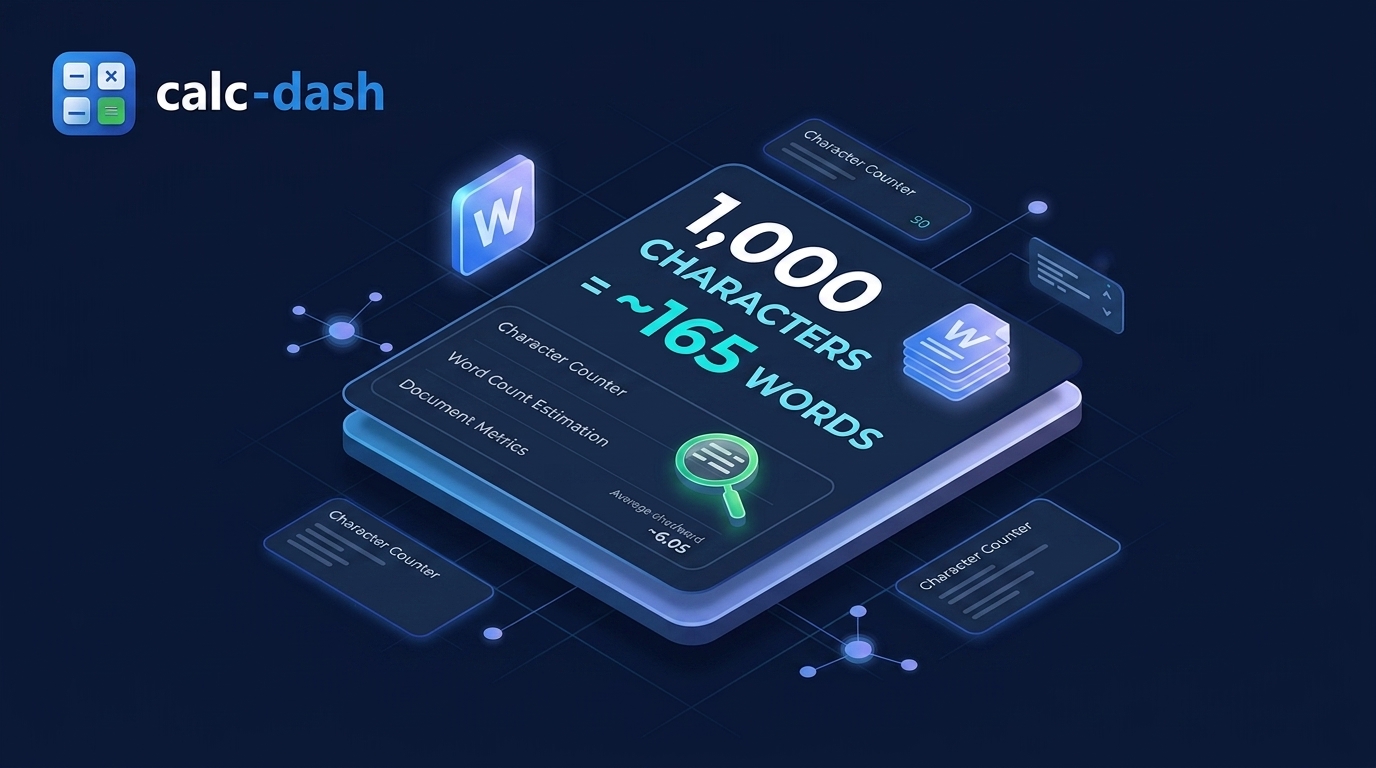
When you are facing an application form, a scholarship box, or a social media field with a strict 1,000-character limit, you need a quick and reliable answer: how many words can you actually fit?
Here is the direct answer you can rely on right away:
- With spaces included: 1,000 characters is roughly 140 to 200 words. For everyday English writing, 165 words is the standard industry benchmark.
- Without spaces included: 1,000 characters gives you roughly 180 to 240 words, averaging around 200 words.
If you are writing short, simple sentences, you can easily reach 180 words. If you are drafting an academic personal statement or a corporate cover letter filled with technical terms, your count will sit closer to 140 or 150 words. For almost all practical purposes, budgeting for 160 to 170 words keeps you safely inside the limit.
If you already have a draft ready, paste your text directly into our free Word Counter tool to check your exact character count with and without spaces in real time.
The Exact Math: Why 1,000 Characters Equals ~165 Words
The conversion from characters to words is not random. It is governed by how standard English sentences are structured.
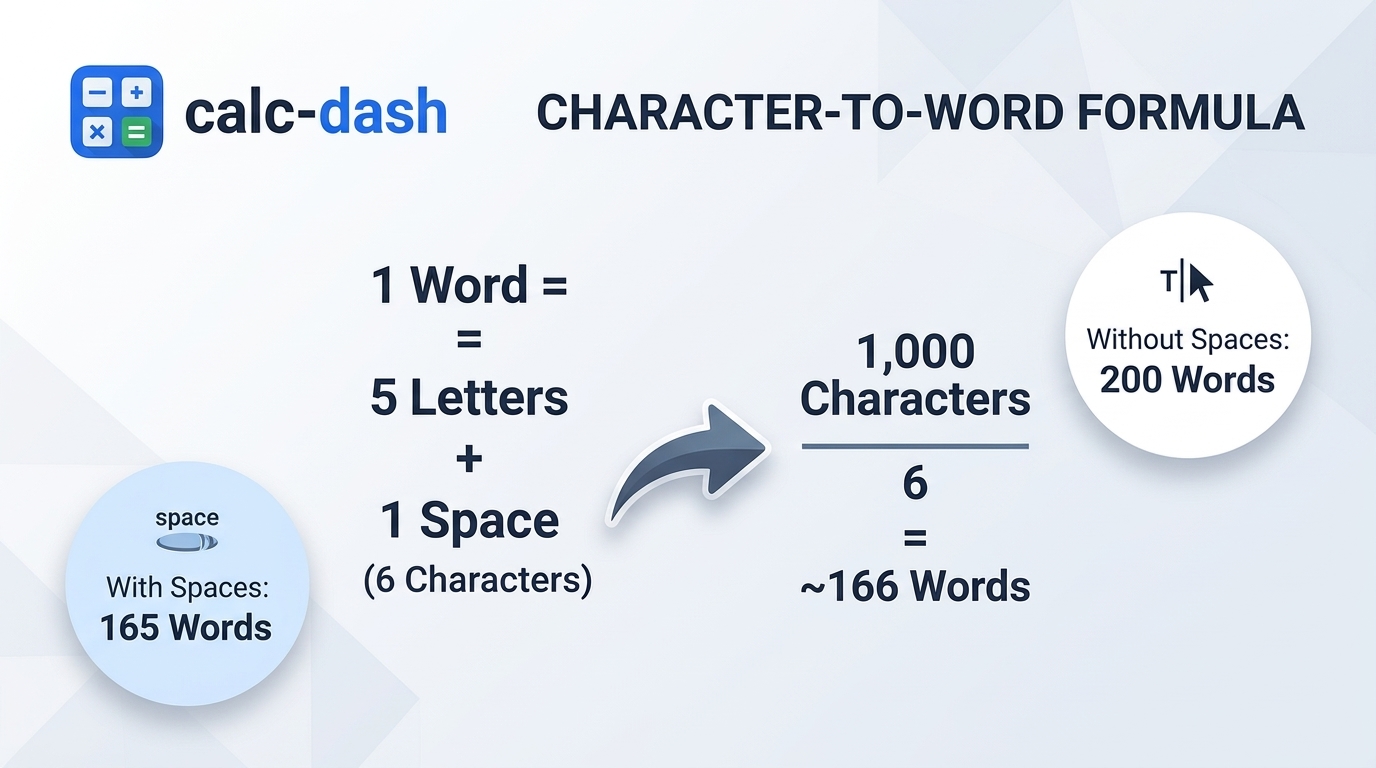
Here is how the breakdown works step by step:
- Average Word Length: In modern written English, the average word length is 4.7 to 5.0 letters.
- Spaces: Every word is followed by a space. In digital systems, a single space bar stroke occupies exactly 1 character slot.
- Punctuation: Periods, commas, quotation marks, and question marks also count as 1 character each.
When you take an average 5-letter word and add the 1-character space immediately after it, each word consumes approximately 6 character slots in your text box.
The Core Formula:
1,000 characters / 6 characters per word = 166.7 words
This is why 165 words is considered the gold standard benchmark across admissions offices, copywriters, and online submission systems worldwide.
Character to Word Conversion Cheat Sheet (100 to 5,000 Characters)
Whether you need to budget a short social media post or an entire page of content, use this complete conversion chart to estimate your word counts at a glance:
| Character Count | Estimated Words (With Spaces) | Estimated Words (No Spaces) | Typical Volume |
|---|---|---|---|
| 100 characters | 15 to 20 words | 20 to 25 words | 1 short sentence |
| 250 characters | 35 to 50 words | 45 to 60 words | 1 tweet / short update |
| 500 characters | 70 to 100 words | 90 to 125 words | 1 solid paragraph |
| 750 characters | 110 to 145 words | 135 to 175 words | 1 to 2 paragraphs |
| 1,000 characters | 140 to 200 words (avg 165) | 180 to 240 words (avg 200) | 2 to 3 paragraphs |
| 1,500 characters | 220 to 300 words | 270 to 360 words | 3 to 4 paragraphs |
| 2,000 characters | 300 to 400 words | 360 to 480 words | 4 to 5 paragraphs (0.7 page) |
| 2,500 characters | 380 to 500 words | 450 to 600 words | 1 single-spaced page |
| 3,000 characters | 450 to 600 words | 540 to 720 words | 1 LinkedIn long post / essay |
| 5,000 characters | 750 to 1,000 words | 900 to 1,200 words | 2 full single-spaced pages |
Do Online Platforms Count Spaces as Characters?
The short answer is: almost always yes.
When software developers build input forms, textareas in HTML and databases count every byte of data you send. A space bar tap generates an ASCII character (code 32). Unless a specific platform states otherwise, assume that every space, line break, and punctuation mark eats into your limit.
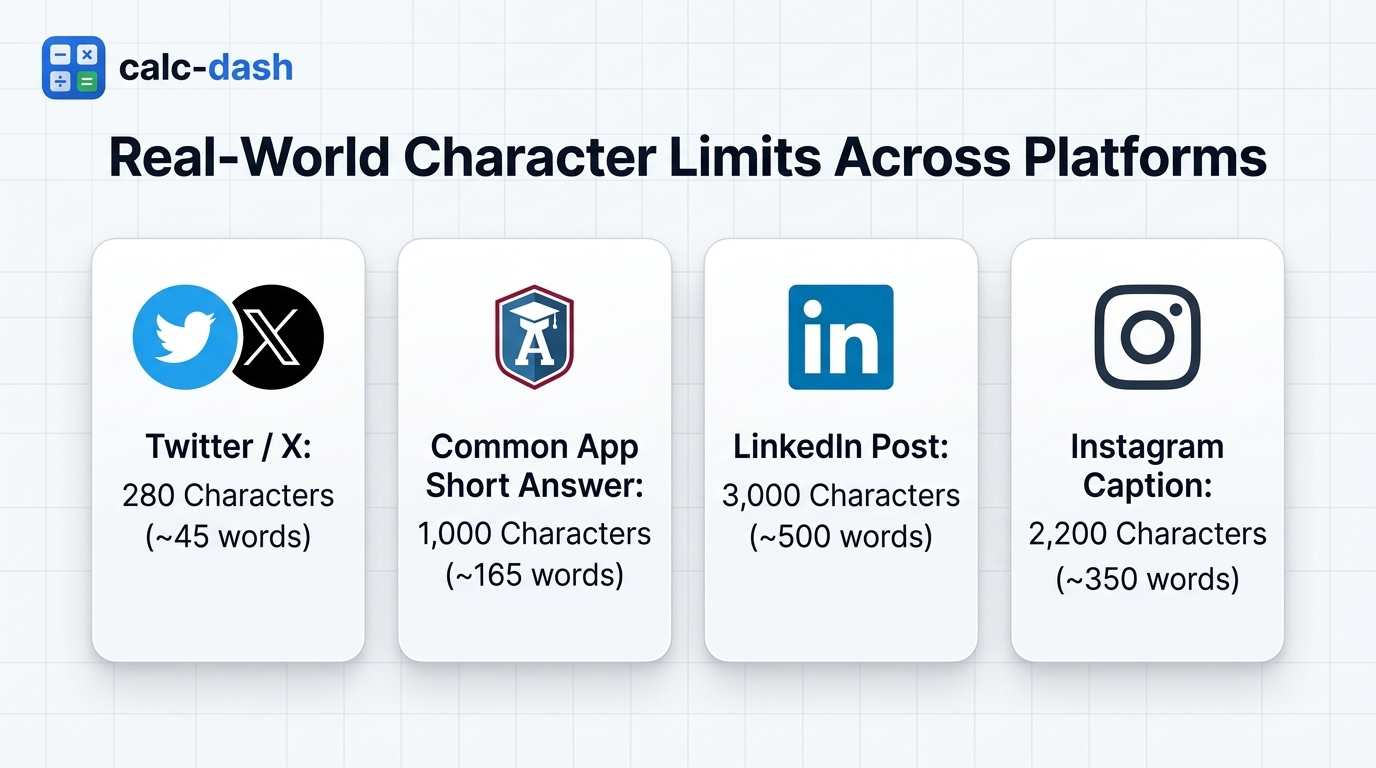
Here is how the most common online submission platforms handle character limits in real life:
| Platform or Field | Character Limit | Estimated Words | Are Spaces Counted? |
|---|---|---|---|
| Common App Short Answer | 1,000 characters | 150 to 170 words | Yes, strictly counted |
| LinkedIn Post Body | 3,000 characters | 450 to 500 words | Yes |
| LinkedIn Headline | 220 characters | 30 to 35 words | Yes |
| Instagram Caption | 2,200 characters | 320 to 360 words | Yes |
| Twitter / X Standard Post | 280 characters | 40 to 50 words | Yes |
| Standard SMS Text Message | 160 characters | 25 to 30 words | Yes (1 segment) |
| UCAS Personal Statement | 4,000 characters | 600 to 650 words | Yes (also capped at 47 lines) |
How Many Sentences, Paragraphs, and Pages Is 1,000 Characters?
When you are organizing a response, understanding layout metrics helps you balance clarity with brevity:
How Many Sentences?
Most clear, readable sentences in business and academic writing contain between 12 and 18 words. Dividing our 165-word benchmark by an average of 15 words per sentence gives you roughly 9 to 12 sentences. If you use concise, punchy writing (10 to 12 words per sentence), you can fit 13 to 15 sentences.
How Many Paragraphs?
Never submit 1,000 characters as one solid brick of text. A solid paragraph is typically 3 to 4 sentences long (~50 to 60 words). Within 1,000 characters, the most comfortable layout is 2 to 3 short, well-spaced paragraphs. This allows hiring managers or admissions officers to scan your argument quickly.
How Many Pages?
In standard word processing tools like Microsoft Word or Google Docs using 12-point Times New Roman or Arial with standard 1-inch margins:
- Single-spaced: 1,000 characters takes up approximately 0.3 pages (roughly one third of a page).
- Double-spaced: 1,000 characters takes up approximately 0.6 pages (a little over half a page).
Reading and Speaking Times for 1,000 Characters
If your 1,000-character text is meant for a video script, speech, or presentation slide, pacing is essential:
- Silent Reading Time: The average adult reads silently at a pace of 230 to 250 words per minute. Reading a 1,000-character draft (~165 words) takes approximately 40 to 45 seconds.
- Speaking / Voiceover Time: Professional speech delivery runs at 130 to 150 words per minute. Reading 1,000 characters aloud takes approximately 65 to 75 seconds (about 1 minute and 15 seconds).
- Typing Time: An average typist at 40 words per minute will need about 4 minutes to type out 1,000 characters without typos.
5 Practical Editor Tips to Cut Text Under a 1,000-Character Limit
If your draft is sitting at 1,150 characters and the portal will not let you submit, do not delete your best arguments. Instead, use these editorial cuts to instantly shed 100 to 200 characters without weakening your message:
- Eliminate Filler Phrases: Replace wordy transitional padding. Swap "due to the fact that" (21 chars) for "because" (7 chars). Change "in order to" (11 chars) to "to" (2 chars). Change "at this point in time" (21 chars) to "now" (3 chars).
- Switch from Passive to Active Voice: Passive phrasing wastes space. Instead of writing "The campaign was launched by our team" (37 chars), write "Our team launched the campaign" (30 chars). You save 7 characters and make the sentence stronger.
- Remove Double Spaces: Many writers accidentally type two spaces after periods. In a 1,000-character submission, 12 extra spaces rob you of two entire words. Run a quick search-and-replace for double spaces.
- Replace Weak Verb + Noun Pairs: Instead of writing "conduct an investigation" (24 chars), write "investigate" (11 chars). Instead of "make a decision" (15 chars), write "decide" (6 chars).
- Trim Trailing Punctuation and Line Breaks: Some application text areas count blank lines (pressing Enter twice) as two full characters ( ). Keep paragraph breaks clean with single returns.
Frequently Asked Questions About Character Limits
Does a character count include letters only or numbers and punctuation too?
A character count includes every single element in your text: uppercase letters, lowercase letters, numbers, punctuation marks, symbols, and spaces. For example, the sentence "I scored 98%!" contains 13 characters: 8 letters, 2 numbers, 1 percentage symbol, 1 exclamation mark, and 1 space.
How many words is 1,000 characters without spaces?
Without spaces, 1,000 characters equals roughly 180 to 240 words, averaging around 200 words. Because spaces account for about 15% to 18% of a typical document, removing spaces increases the number of words you can squeeze in.
How do I check my character count in Word or Google Docs?
In Microsoft Word, press Ctrl + Shift + G (or Command + Shift + G on Mac) to open the Word Count box, which displays characters with and without spaces. In Google Docs, press Ctrl + Shift + C to view the same breakdown.
What is the safest word count target for a 1,000-character limit?
Aim for 150 to 160 words. This gives you a safe margin of error so that longer vocabulary, punctuation marks, and formatting will not push you over the 1,000-character threshold on submission day.
Track Your Characters in Real Time
Skip the guesswork and avoid getting cut off by strict submission forms. Paste your draft into our free Calc-Dash Word Counter to track words, characters with spaces, characters without spaces, sentences, and reading time simultaneously as you edit.